

Local SEO is already challenging for a single business location. When a business has many locations, the challenge becomes much bigger. Many brands struggle because they treat all locations the same. Google does not like that. Customers do not like that either. That is why learning to manage local SEO for multiple locations is no longer optional if you want every branch to gain real visibility and real customers.
Local SEO strategy for multiple locations works by giving each location its own page, its own Google Business Profile, and its own local signals so Google clearly understands where to rank it. When done right, this approach helps every location show up in local searches and Google Maps exactly where customers are looking.
In this guide, we will walk you through the full process step by step. We will explain what actually works today, what to avoid, and how to make each location feel real, useful, and trusted.
What is Local SEO for Multiple Locations?
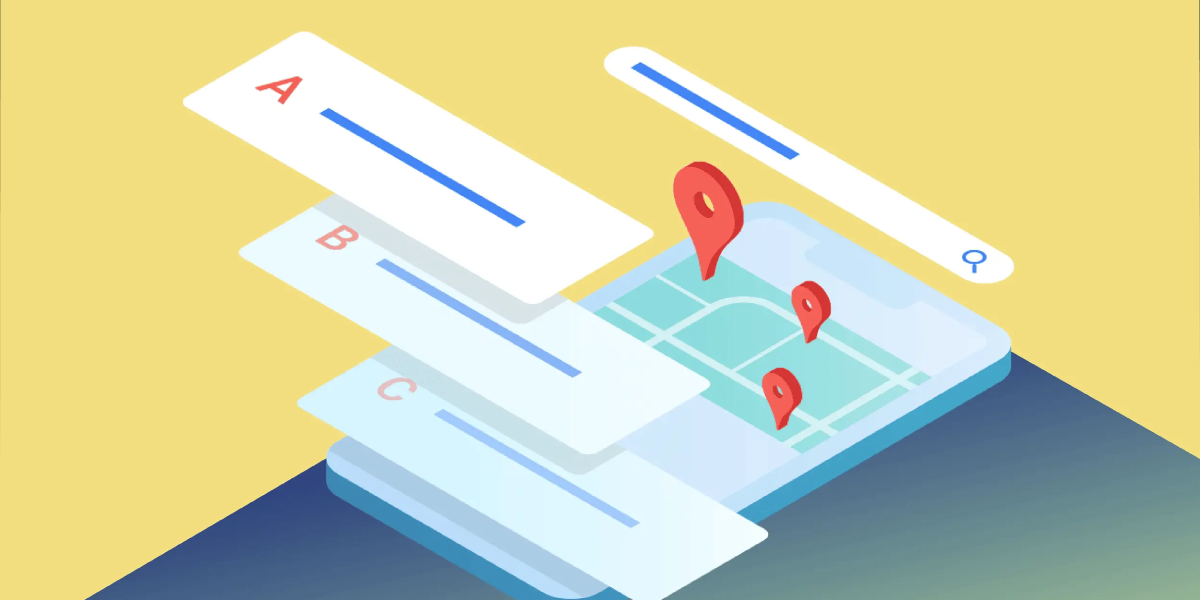 Local SEO for multiple locations means helping every business branch appear in local search results. This includes Google Search and Google Maps. The goal is to show the nearest and most relevant location to the person searching.
For example, if someone searches for a clothing store in Chicago, Google should show the Chicago location, not the New York one. To make that happen, Google needs very clear signals.
Multi-location SEO gives Google those signals in the right way.
Why Local SEO for Multiple Locations Matters So Much
Local search behavior has changed how people buy.
You obviously know that almost half of all Google searches are local. Most people who search for a nearby business visit it within one day. This means local visibility directly affects real sales.
If your locations do not appear in local results, customers will visit your competitors instead. Even strong brands lose traffic when local SEO is weak.
That is why local SEO is not optional for multi-location businesses. It is necessary.
How Google Treats Multi-Location Businesses
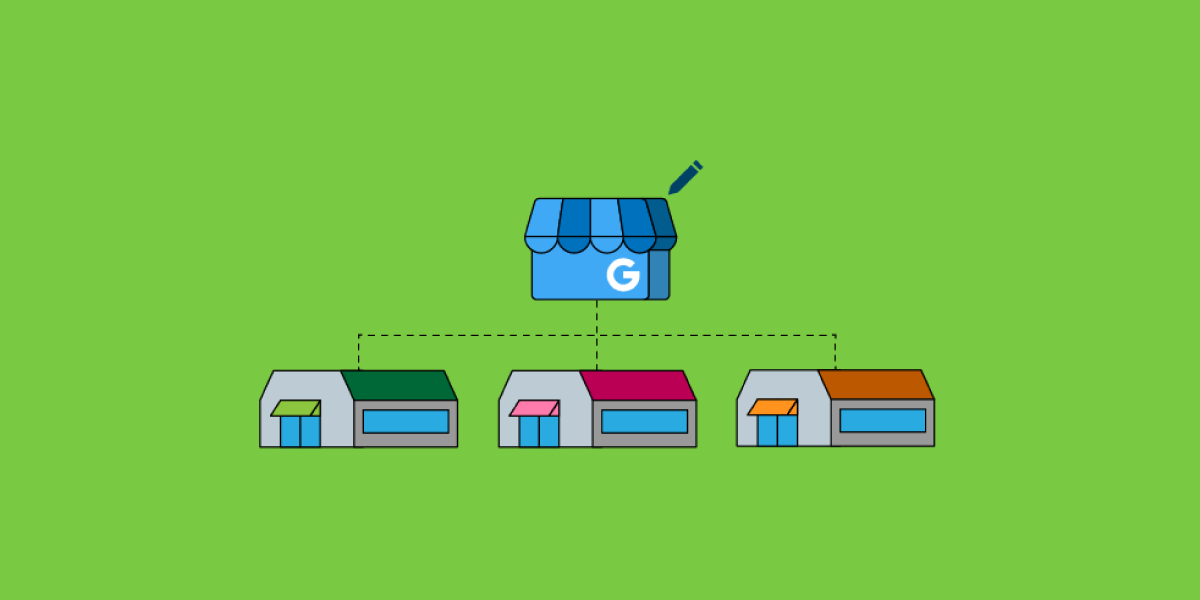 Google wants accuracy and clarity.
Google checks many things before ranking a business location. It looks at the website, Google Business Profile, reviews, images, page speed, and how consistent the business information is across the web.
If Google sees confusion, such as duplicate content or mixed addresses, it loses trust. When trust goes down, rankings drop.
Your job is to remove confusion and replace it with clear, helpful information for every location.
Here’s How to Do Local SEO for Multiple Locations
 First, here is a checklist for you.
☐ Use one main website for all locations
☐ Create one unique page for each location
☐ Add full address and local phone number on every page
☐ Set up one Google Business Profile per location
☐ Link each Google profile to the correct location page
☐ Use city and area words naturally in content
☐ Add real photos for each location
☐ Write local content about the area and services
☐ Collect and reply to reviews for every location
☐ Keep the business name, address, and phone number the same everywhere
☐ List your business on local directories
☐ Improve page speed and mobile experience
☐ Add maps, directions, and call buttons
☐ Track rankings and traffic for each location
☐ Update content and profiles regularly
Now, let’s show you the overall best practices for local SEO across multiple locations.
Core Foundation of Multi-Location SEO
Before implementing an advanced local SEO strategy, you must get these basics right.
The Three Non-Negotiable Rules
- One website. Not many websites
- One page per location
- One Google Business Profile per location
If any of these are missing, stop and fix them first.
Site Structure for Multiple Locations
You do not need separate websites. That creates confusion and weak SEO. A clear site structure helps both users and search engines. The best approach is to use one main domain and create location pages as subfolders.
Best URL Structure Examples
| Main site |
|
| Location pages |
|
This structure is clean. Google understands it easily. Users like it too. Each location page must have its own unique URL. Never combine multiple locations on one page.
What Every Location Page Must Have
Each location page should feel like it was made only for that city.
Must Have Elements
- Full address
- Local phone number
- Business hours
- Embedded Google Map
- Services available at that location
- Local images
- Reviews from that location
- Unique local content
- Never copy-paste the same text.
That hurts rankings badly.
Why Hyperlocal Content is the Game Changer
Here is something very important. A recent study by Wiideman showed that hyperlocal content increased rankings by 107 percent. That is huge. So, what is hyperlocal content? It is content that talks about the area around that location. Not generic words. Real local details.
Examples of Powerful Hyperlocal Content
- Nearby landmarks
- Parking availability
- Local events
- Neighborhood history
- Delivery areas
- Local staff stories
- Local customer experiences
This makes your page unique. Google loves that.
Ranking Factors That Matter Most for Location Pages
Key Factors That Improve Multi-Location Page Rankings
| Factor | What It Does |
| Hyperlocal Content | Content that talks about the exact area helps Google see the page as unique and relevant. |
| Custom Location Images | Real photos from the location build trust and improve local visibility. |
| Location Specific Social Links | Local social links help confirm the identity of each business location. |
| Directions Link | A directions button improves user experience and supports local intent. |
| Page Size | Smaller pages load faster and keep users engaged. |
| Open Now Status | Showing that the business is open helps users decide quickly. |
| Full Load Time | Faster loading pages perform better in local search results. |
| Page Speed Score | Good speed scores help Google crawl and rank pages easily. |
| Native Reviews | Reviews on the page build trust and support rankings. |
| Hours Listed | Clear business hours help users and confirm legitimacy. |
Remember that content and visuals matter more than anything else.
Using Images the Right Way for Each Location
Images are not decoration. They are ranking signals.
Best Image Practices
- Use real photos of each location
- Interior and exterior shots
- Staff photos
- Customer photos
Image Size Tips
- 1200 by 900 pixels
- Under 1 MB
- City name in image file name
- City name in alt text
Localized images alone can increase views by 75 percent.
Videos and Virtual Tours for Local SEO
Want to stand out fast? Use video.
Best Video Types
- Walk-through videos
- Customer testimonials
- Google 360 virtual tours
These build trust instantly. Very few competitors use them.
Optimizing Google Business Profile for Multiple Locations
Google Business Profile is one of the most important tools for local SEO. This is mandatory. No shortcuts here.
Important GBP Rules
- One profile per location
- Correct address and phone number
- Link to the correct location page
- Same business name everywhere
- Same primary category
Use bulk upload if you manage many locations.
Using Google Posts to Increase Visibility
Google Posts are often ignored, but they are very effective. Posting updates, offers, events, or announcements helps keep your profile active. Active profiles tend to perform better in local results.
For multi-location brands, posts can be managed in bulk using tools or the Google Business Profile system. Even one post per month per location can make a difference.
Reviews and Reputation for Multiple Locations
Reviews strongly influence both rankings and customer decisions.
How to Get More Reviews
- Ask customers in person
- Add a review request on receipts
- Send follow-up emails
- Share review links
Never buy reviews. Never fake reviews. Always reply to reviews. Good or bad.
Citations and Directory Listings
Google checks your business info everywhere. Citations are mentions of your business information on other websites.
Must Be Consistent
- Business name
- Address
- Phone number
You should ensure consistent listings on major platforms.
Important Citation Sources
- Google Business Profile
- Yelp
- Bing
- Yahoo
- Industry directories
- City directories
Also, look for smaller local directories. They often give easy wins.
Link Building for Location Pages
Link building for location pages helps Google understand authority and relevance.
Best Local Link Sources
- Chambers of commerce
- Local blogs
- Local news sites
- Partner businesses
- City resource pages
Link to the correct location page. Not the homepage.
Content Strategy for Multi-Location SEO
Strong multi-location SEO does not stop at location pages. You should also create content that supports local relevance.
Smart Content Ideas
- Local guides
- City event posts
- Area-specific FAQs
- Location-based case studies
Over time, this content builds authority and strengthens all location pages.
Tracking Results the Right Way
You should track each location separately.
What to Track
- Local keyword rankings
- GBP insights
- Website traffic per location
- Calls and directions
- Reviews growth
Use one dashboard if possible. It saves time and stress.
Common Mistakes to Avoid When Doing Local SEO for Multiple Locations
Please avoid these mistakes.
- Duplicate location pages
- Old or unclaimed GBP listings
- Wrong phone numbers
- No reviews
- Slow website
- No local keywords
- Ignoring updates
These mistakes kill rankings slowly.
How RankRezz Helps You Win More Local Customers
At RankRezz, we help your business show up where local people are already searching. We fix your website, improve Google listings, and build strong local signals that Google trusts.
Our team creates clear local pages, uses the right keywords, and improves speed and mobile experience. We track results every month and adjust fast. You always know what is working.
If you want more calls, visits, and real local customers, talk to RankRezz today, and let’s grow your local presence together.
Wrapping Up
Local SEO for multiple locations is not about tricks. It is about clarity, consistency, and value. When each location feels real and helpful, Google rewards it. When customers find the right information easily, they trust the brand more. Results take time, but they are worth it.
Multi-location SEO is not a sprint. It is a long journey that brings steady growth.
FAQs
- How to do SEO for multiple locations?
Start by creating a separate page for each location with its own address, phone number, and local content. Optimize each page with city-based keywords, reviews, and images. Keep Google Business Profiles updated for every location.
- What is the 80/20 rule for SEO?
The 80/20 rule means a small part of your effort (20%) brings most of the results (80%). Usually, a few strong pages, keywords, or backlinks drive most traffic. Focus more on what already works instead of chasing everything.
- Should franchises have separate URLs for local SEO?
Yes, separate URLs help each franchise location rank better in local searches. Each page should focus on its own city and customers. This makes Google and users trust the location more.
- What are the 3 C’s of SEO?
The 3 C’s are content, context, and credibility. Content answers user questions clearly. Context matches search intent, and credibility comes from trust signals like reviews and links.
- What is the local SEO for multiple locations in one city?
Each location still needs its own page, even in the same city. Use neighborhood names, landmarks, and local reviews to make pages different. This avoids duplicate content and ranking issues.